If you're looking for how to delete an OnlyFans account, you probably do not want a vague answer.
You want the fastest, safest exit. You want to know what to click, what to save first, and what might be left behind after you leave.
The short answer is: yes, you can delete an OnlyFans account. But the truth is, leaving OnlyFans involves more than just pressing a button. If you are a creator, you may need to deal with payouts, tax records, active subscribers, and old links before you close the account. If you are a subscriber, you still want to check subscriptions and credits first.
By the end of this article, you’ll know:
- what deleting an OnlyFans account actually does
- how to delete an OnlyFans account on desktop, iPhone, or Android
- what to do before deleting an account if you are a creator
- how to handle leaked content and Google results after deletion
- when deactivation makes sense and when a lower-stress option might be enough
If you're panicking right now, start with the pre-delete checklist below. It can save you money, screenshots, and future stress.
What deleting an OnlyFans account actually does
This section explains what “delete” means for both subscribers and creators. Knowing this can help you avoid mixing up unsubscribing, deleting, and waiting for the final account shutdown.
Deleting isn't the same as unsubscribing
If you're a subscriber, deleting your account is bigger than just leaving one creator page. Unsubscribing stops a specific subscription from renewing; deleting your account is a full exit from the platform. Keeping those actions separate helps you avoid surprise renewals and makes your exit cleaner.
Source: https://www.wikihow.com/Delete-Onlyfans-Account
Creator deletion and subscriber deletion are not identical
A creator account usually involves more cleanup. This can include pending payouts, tax records, and links you posted elsewhere. A subscriber account is usually simpler, but you still want to review subscriptions and any balances before you go.
Source: https://social-rise.com/blog/how-to-delete-onlyfans-account
Deleting the account might not erase every outside trace
Closing the account can remove the live profile, but it doesn't automatically clean the rest of the internet for you. If your content, name, or old links are still showing up in search results, you may need extra cleanup steps after deletion.
Source: https://support.google.com/websearch/answer/3143948
What to do before you delete your OnlyFans account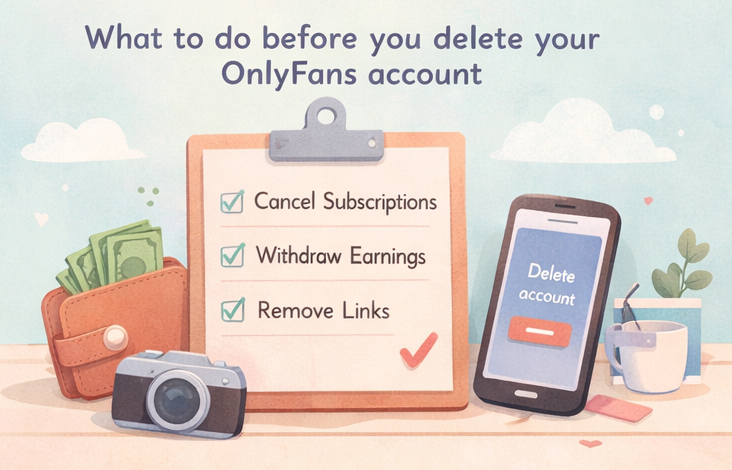
This section provides you with a pre-delete checklist, which is useful to have because most exit mistakes happen before the final click, not after.
Before you close your account, it's worth checking if switching platforms might be a better fit — this guide to OnlyFans alternatives covers the main options and what each one offers creators who are ready for a change.
Cancel anything that can still renew
If you are a subscriber, review your active subscriptions first. Even if deletion is supposed to stop future billing, manually clearing your subscriptions first is the better move: it leaves fewer loose ends and fewer “wait, did that stop?” moments later.
Source: https://www.wikihow.com/Delete-Onlyfans-Account
Withdraw money and save records
If you are a creator, don’t delete first and hope the admin side sorts itself out. Withdraw what you can, and download any payout and tax records you might need later.
If you are a U.S. creator, save any payout and tax records before deleting your account. Reporting thresholds can change, and reporting is not the same as “tax-free,” so check the latest IRS guidance or speak with a tax professional if needed.
Remove links you posted on Instagram, X, and old bios
Before you delete, clean up any trails that point back to your account. Old link-in-bio pages, Instagram bios, X posts, and saved story highlights can keep sending people toward a profile you no longer want attached to you.
This is not legal or tax advice. Platform policies can change, so always check the latest Terms of Service and official guidance for your situation.
How to delete an OnlyFans account on desktop or mobile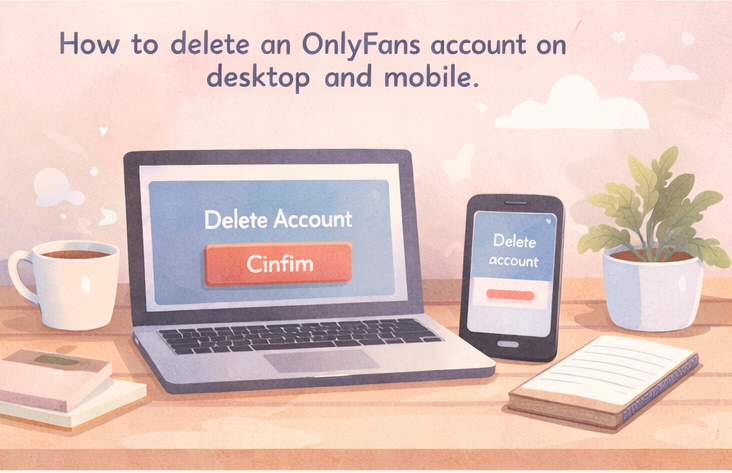
This section covers the actual process of deactivation. Reviewing this information can help you move fast once your cleanup is done, whether you're on a desktop or using a phone browser.
How to delete an OnlyFans account (on the web)
Here’s the usual process for desktop (labels can change slightly over time):
- Log in to OnlyFans in your browser.
- Open your profile menu and go to Settings.
- Open the Account section.
- Scroll until you see Delete Account.
- Complete the on-screen security check (for example, a CAPTCHA) and confirm.
- Save any confirmation message or email for your records.
Sources: https://www.idstrong.com/how-to-delete/onlyfans-account/
How to delete an OnlyFans account (iPhone or phone)
On iPhone or Android, you’ll usually do this in a mobile browser:
- Open OnlyFans in Safari/Chrome and log in.
- Tap your profile/menu icon and open Settings.
- Go to Account.
- Tap Delete Account and complete the security check (if prompted).
- Confirm, then keep the confirmation screen/email.
How to delete an OnlyFans account without completing verification
In most cases, you cannot delete an account while skipping required security checks.
If you can’t log in or you've lost access, use the official support route instead of looking for a bypass. In many cases, support will ask you to confirm ownership before they can help.
If you’re stuck, contact support@OnlyFans.com or check the Help Center at OnlyFans.com/help.
Source: https://www.idstrong.com/how-to-delete/onlyfans-account/
What to do after you delete OnlyFans
This section covers the cleanup after the account deactivation request is sent. This info will help you reduce the chances of old links, search results, or leaked content continuing to follow you.
Check whether charges, payouts, or credits still need attention
After deletion, keep an eye on your bank statements, email receipts, and any payout confirmations. If you had wallet credits, pending balances, or creator payouts, don't assume every detail is settled the second you click "delete."
Clean your Google footprint
Google allows people to request the removal of certain private, sensitive, or sexual content from Search, and its “Results about you” tools can help track personal information that appears in search results. These tools do not remove the original page from the web, but they can reduce visibility in Google Search.
Source: https://blog.google/feed/results-about-you-new-design/
Save proof if you're leaving because of a safety issue
If your exit is tied to a leak, stalking fear, or a near doxxing situation, save screenshots before links disappear. Document usernames, URLs, search results, and support tickets. Deleting these can inadvertently get rid of your easiest access to proof.
How to decide whether to delete your OnlyFans account or choose a lower-stress option
This section offers a real decision check, helping you separate the urge to "get out now" from the need for a lower-pressure, more sustainable way to run your business.
If the real reason is DM burnout rather than a safety issue, this guide to stopping messages on OnlyFans walks through restrict, block, and hide options that reduce inbox pressure without closing your account entirely.
Delete fast if your reason is safety, doxxing, or exposure risk
If you are leaving because of real safety fear, simplify the decision: save what you need, remove public links, and move toward deletion. In this situation, protecting yourself matters more than squeezing one more week out of the account.
Pause and audit if your reason is confusion, not danger
If you are mainly overwhelmed, it might help to pause promotion, clean your links, review boundaries, and decide after a short reset. Not every “I want to quit” moment is actually a full-exit moment.
If the real reason is DM exhaustion, workload reduction may be enough
If your main reason for wanting to quit is because DMs became too heavy, a full exit isn't the only option. Instead of giving up your income, you can use a tool like FanPort to completely free yourself from the endless DM grind.
FanPort is not an autopilot bot; it is an AI assistant designed to reduce your workload while strongly valuing authentic, direct relationships with your fans. It handles the heavy lifting by drafting replies, but keeps the final review and "send" in your hands—ensuring your VIPs and paid subscribers always receive genuine, human-led attention directly from you. This smart approach allows you to maintain high engagement and earn more, even if you have a smaller follower base. Want to grow faster with this service? Click here.
FAQ
How do I delete my OnlyFans account on my phone?
Open the site in your phone browser, sign in, go to Settings, open Account, and then tap Delete Account.
How do I delete my OnlyFans account on an iPhone?
Usually, it follows the same browser-based process: sign in, open Settings, go to Account, and confirm the deletion request.
How do I delete my OnlyFans account as a subscriber?
First cancel any active subscriptions, then go to your account settings and request account deletion.
What should I do if I still have wallet credits before deleting my OnlyFans account?
Check your credits and balances before deleting the account. Do not assume unused funds will be handled automatically.
Does deleting my OnlyFans account cancel active subscriptions?
Deleting your account should stop future account activity, but manually canceling subscriptions first is still the safer move.