If you're searching the web for information on OnlyFans payment methods, you're probably not looking for an in-depth analysis. You want the practical version: how fans actually pay, where your money sits, how to set up your payout, and what can go wrong if you miss a detail.
The short answers first: fans usually pay through card-based checkout, your earnings land in your OnlyFans wallet first, and then you move them out through a payout method that you set up as a creator. The part that trips people up is that fan payment, creator payout, and chargebacks are three different things.
In this article, you’ll learn:
- how OnlyFans payment works (on both sides)
- what the OnlyFans wallet really is
- how to set up your OnlyFans payout correctly
- which OnlyFans payment methods are easiest for creators to start with
- what to do about PayPal, chargebacks, and fan payment questions
The goal here is simple: help you set this up once, cleanly, so you are not fixing payment mistakes later.
How OnlyFans payment works for fans and creators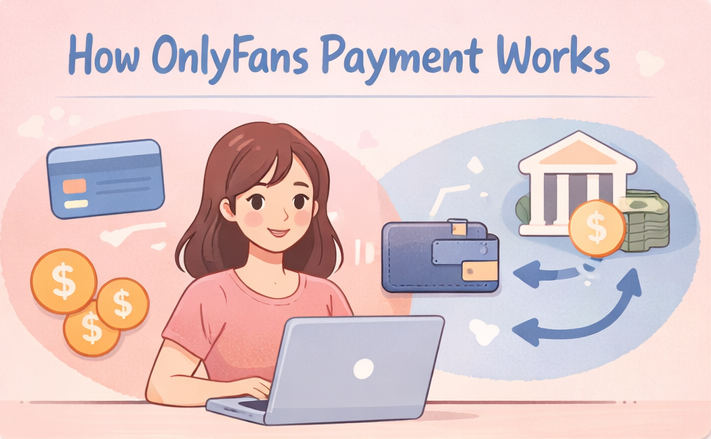
This section explains the basic money flow first. Understanding these basics matters because a lot of beginners mix up "checkout," "wallet balance," and "payout timing," and then assume something is broken when it's really just a different stage of the process.
Fans pay through the checkout side
Fans usually pay through a card-based checkout flow, which is why creators often get questions about declined cards, prepaid cards, or payment privacy.
Your earnings sit in the OnlyFans wallet before they hit your bank
Your creator earnings don't go straight from a fan’s card into your bank account. They first show up inside your OnlyFans wallet or earnings balance, and then move out when you request or receive a payout through your chosen payout method.
Source: https://infloww.com/blog/onlyfans-payout-method
OnlyFans takes its cut before you receive your money
OnlyFans operates on the usual 80/20 split, so the platform keeps 20% and the creator keeps 80% before personal taxes and any outside bank-related costs. That is why small setup errors, payout delays, or preventable payment issues can feel bigger than they first appear.
Source: https://ofstats.net/
How to set up your OnlyFans payout method without mistakes
This section covers the actual setup side. We cover information that helps you get your payout ready early and avoid the beginner mistake of making sales first and then realizing your payment details are incomplete or wrong.
Getting payout setup right also means understanding the full timeline from earnings to your bank account — this complete OnlyFans payout guide covers methods, processing time, common rejection reasons, and what to do when a payout doesn't arrive.
Add your payout details carefully
When you set up your method of payout, double-check your legal name, bank details, and whatever payout method you choose. Small mismatches can create delays that feel scary even when the account itself is fine.
Treat your wallet and payout as separate steps
A visible wallet balance does not always mean the money is ready in your bank right now. Think of the wallet as your platform-side balance, and think of payout as the transfer step that happens after that.
Expect processing time, not instant cash
Public payout guides say creators may see transfer times range from a few hours to several days depending on method and bank. So if you just set up your account, don't panic if money doesn't land in your account instantly the first time.
Source: https://infloww.com/blog/onlyfans-payout-method
Comparison of OnlyFans payout methods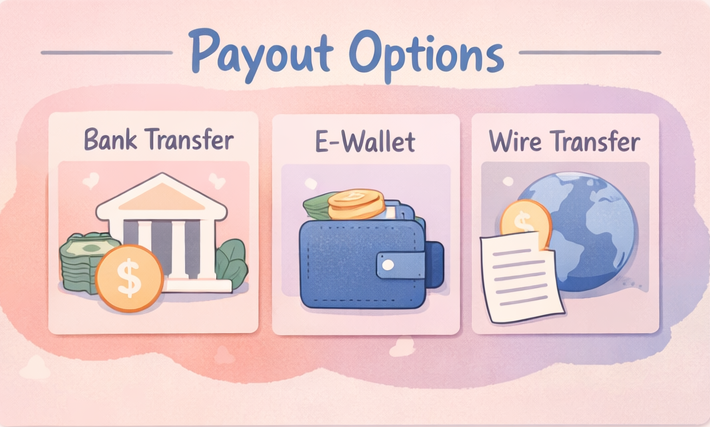
This section compares the main payout options for creators in plain English. Use this info to help you pick the method that fits your stage, your country, and your stress tolerance instead of copying whatever someone on Reddit said worked for them.
Direct deposit works best for many beginners
If you are in a supported region and want the simplest setup, direct deposit or standard bank transfer is usually the easiest place to start. It's straightforward and tends to make bookkeeping cleaner.
International wire can work, but it adds friction
Wire payouts can help in some markets, but they may come with extra fees and a more annoying process. If you are in an early stage and want less hassle, wire is not always the first option people go for.
E-wallets can help when banks feel harder to deal with
Guides for creators still point to options like Paxum or Skrill because some creators want more flexibility than a normal bank account gives them. This explains why a lot of creators research OnlyFans payment methods on the internet.
Why OnlyFans payment problems and chargebacks happen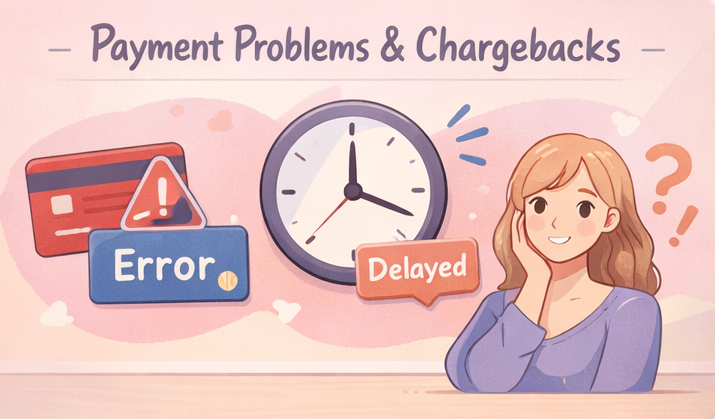
This section explains the most common failure points, which can help you troubleshoot faster and help you answer fan questions without sounding unsure or promising something you can't control.
Chargebacks affect more than just one transaction — this guide on whether you can dispute OnlyFans charges covers what evidence creators need, how to log disputes, and the habits that reduce chargeback risk going forward.
Fan cards can get blocked even when the fan has money
A declined payment does not always mean the fan is lying or broke. High-risk processing, bank fraud filters, and extra verification steps can all get in the way.
Source: https://zenpayments.com/blog/what-payment-processor-does-onlyfans-use/
Payout delays can happen because the payout side is separate
A payout can be late because the platform balance, payout request, and bank processing are all parts of different steps. This is why it helps to keep your details clean and not assume every delay is a platform emergency.
Chargebacks matter because they hit your income directly
Chargebacks are a real part of adult-platform payments. Public payment-processor guides describe this space as high-risk partly because buyers may dispute charges later, so creators need good records and a calm process when something gets reversed.
Now that your payment setup is stable and your earnings are protected, the next bottleneck is often your DMs. Managing messages can quickly become a serious time drain. That’s where FanPort can help. FanPort is not a fully automated bot. It is an AI-assisted tool that helps you draft personalized replies in your own voice, so you can stay responsive without losing control of your brand.
You still review and approve messages before they are sent, which helps you keep the experience personal for high-value subscribers and VIPs. If your page is growing but your inbox is becoming harder to manage, FanPort can help you reduce communication overload while keeping engagement strong.
Want to grow faster with this service? Click here.
Common questions about payment from fans (and how creators should answer)
This section clears up the questions fans ask most often, so you can answer them in a safe, simple way without turning every checkout problem into a long back-and-forth.
This is not legal advice. OnlyFans policies are subject to change. Always check the current Terms of Service.
Can fans pay with PayPal?
Most fans asking about PayPal usually mean one of two things:
(1) “Can I use PayPal at checkout?” or (2) “Can I pay you through PayPal instead?”
Either way, keep your answer simple and on-platform: OnlyFans payments are typically card-based, and you should avoid off-platform payment workarounds.
If a fan has a checkout issue, point them back to their bank or OnlyFans support rather than trying to solve it in DMs.
How can a fan pay more discreetly?
Privacy-focused guides usually point people toward prepaid cards and separate email setups. As a creator, the safer takeaway is not “teach privacy hacks,” it's “keep the payment inside the platform and don't move the fan into random side channels.”
Source: https://support.hushed.com/hc/en-us/articles/39189522729101-How-to-pay-for-OnlyFans-anonymously
How can a fan cancel a subscription?
Subscriptions are typically recurring until the subscriber turns off renewal or cancels from their side. If a fan asks about cancellation, the safest answer is to direct them to manage it through their own account settings and avoid promising anything beyond the platform’s rules.
FAQ
What payment methods do fans usually use on OnlyFans?
Card-based payments are the norm. Public guides also mention prepaid cards in some privacy-related cases.
Does OnlyFans accept PayPal?
Creators should not treat PayPal as the default payment route. The safest approach is to keep payments inside the platform’s normal checkout flow.
What is the OnlyFans wallet?
It's your platform-side earnings balance before the money reaches your bank or payout account.
How long does an OnlyFans payout take?
It depends on the method and your bank. Public guides describe a range from a few hours to several days.
Why was a fan’s OnlyFans payment declined?
Often because of bank fraud filters, verification issues, or high-risk payment rules.
Do I still owe tax if I don't get a 1099-K?
For U.S. creators, yes. Whether you receive a Form 1099-K and whether income is taxable are separate issues. IRS reporting thresholds do not change your obligation to report taxable income, so keep your own records even if you do not receive the form.